[Next.js] 유튜브 불러오기
프로젝트를 하던 중 유튜브 링크를 입력하고 불러와야하는 작업이 있었다.
처음에는 iframe을 사용하여 유튜브 링크를 넣었다.
src 에 유튜브 링크 주소를 그대로 넣었더니
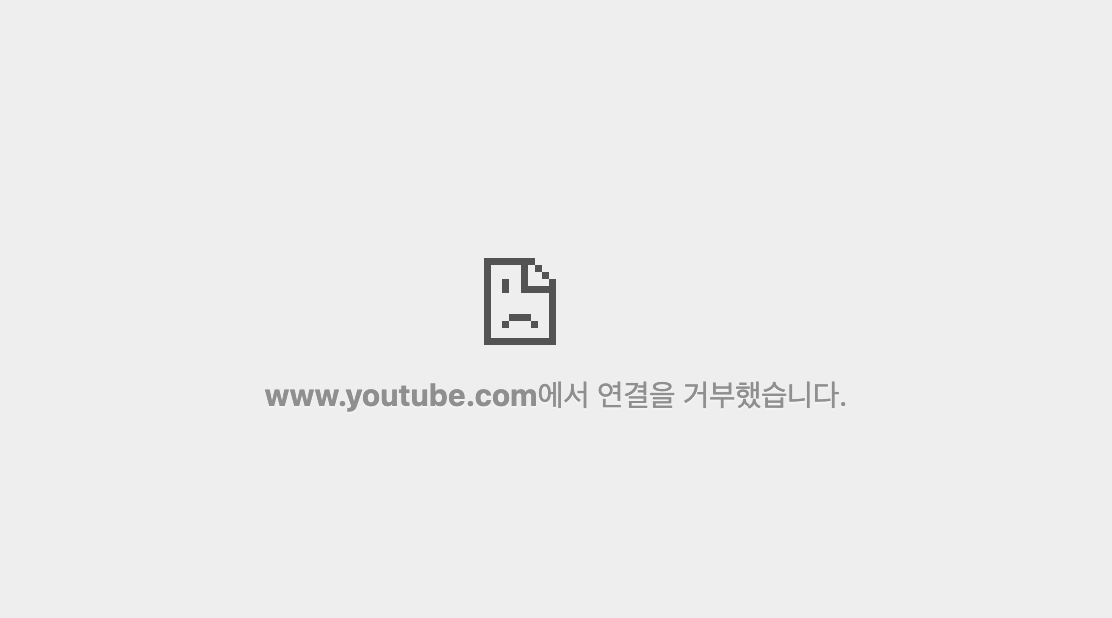
이런 메세지가 떴다.
검색을 해 보니
"https://www.youtube.com/watch?v=????" 형태로 된 주소는 허용하지 않는 것이다.
해결 방법은 단순하다.
????부분은 영상의 ID로 그 ID를 토대로 불러오면 된다.
"http://www.youtube.com/embed/????" 형태로 src에 집어 넣으면 된다.
 function extractVideoID(url: string) {
    var regExp =
      /^.*((youtu.be\/)|(v\/)|(\/u\/\w\/)|(embed\/)|(watch\?))\??v?=?([^#\&\?]*).*/;
    var match = url.match(regExp);
    if (match && match[7].length == 11) {
      return match[7];
    } else {
      alert("Could not extract video ID.");
    }
  }
// 위의 코드를 통해 유튜브 영상 아이디를 찾아내어 변수로 저장

return(
...
 <iframe
    src={`https://www.youtube.com/embed/${videoId}`}
    allowFullScreen
/>

...)
https://developers.google.com/youtube/iframe_api_reference?hl=ko
iframe 삽입에 대한 YouTube Player API 참조 문서 | YouTube IFrame Player API | Google Developers
애플리케이션에 YouTube 플레이어를 삽입합니다.
developers.google.com
https://npmtrends.com/react-iframe-vs-react-player-vs-react-youtube-vs-video-react
react-iframe vs react-player vs react-youtube vs video-react | npm trends
Comparing trends for react-iframe 1.8.5 which has 85,982 weekly downloads and 392 GitHub stars vs. react-player 2.12.0 which has 696,703 weekly downloads and 7,523 GitHub stars vs. react-youtube 10.1.0 which has 262,710 weekly downloads and 1,675 GitHub st
npmtrends.com
https://www.labnol.org/code/19797-regex-youtube-id
RegEx - Extract Video ID from YouTube URLs - Digital Inspiration
Google Developer Expert, Google Cloud Champion
www.labnol.org